 Analysis by Gamescozy
Solitaire is the sort of game I reach for when I want a quiet break rather than a project to manage. This version, Solitaire - Classic Card Games, keeps the focus on familiar card play, so it suits a short pause at home or a few minutes while waiting. Its simplicity is the appeal, but it also means the experience depends on whether you enjoy traditional solitaire more than a game with a wider range of modes or social competition.
When a simple card game feels harder than it should
Developed by Guru Puzzle Game, this free card game has a 4.9 average from around 731,000 ratings and more than 50 million installs. Those figures suggest it has reached a large audience, but they are not a guarantee that every session will feel smooth on every device. The game is aimed at Everyone, and it runs on Android 6.0 or later. Its current version is 7.5.1-26092176.
The first point of friction with any solitaire app is often not the cards themselves, but the player’s expectations. If you are looking for a deep campaign, frequent competition, or a collection of very different card games, a straightforward solitaire experience may feel limited. I would choose it for a familiar solo puzzle, not as a substitute for a multiplayer card room or a broad game library.
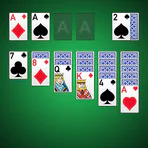
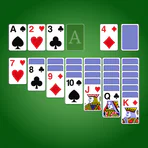
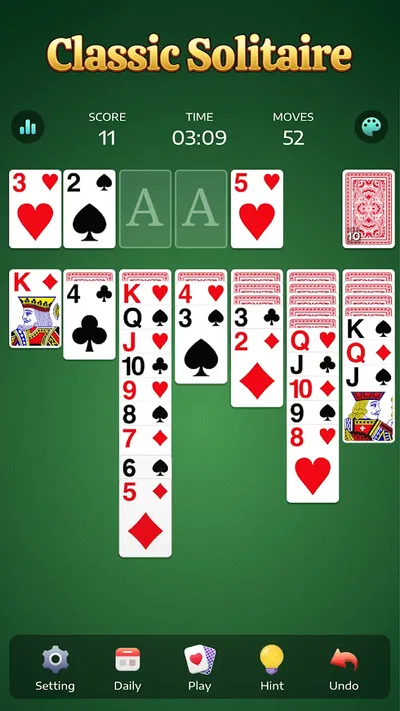
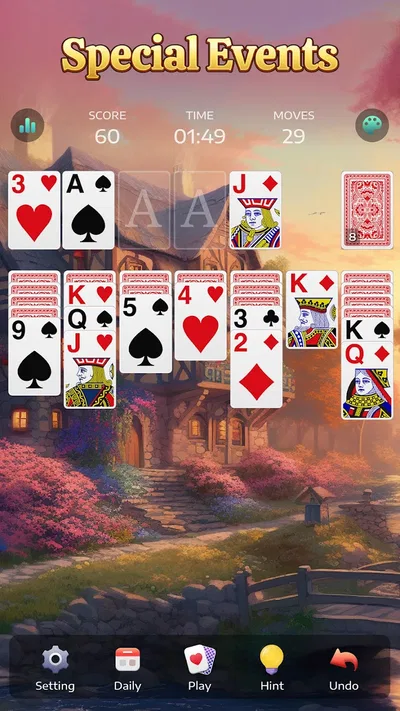
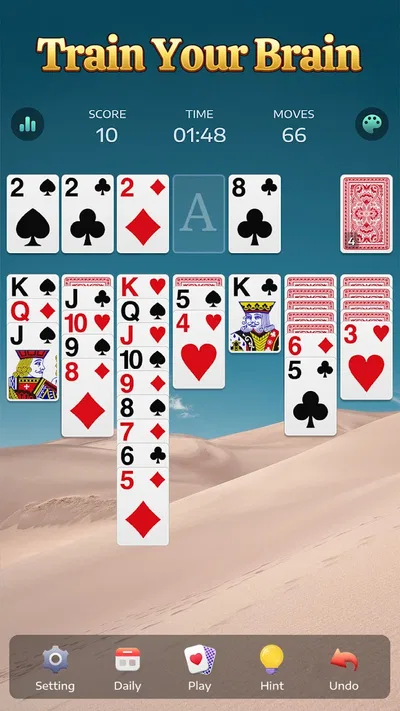
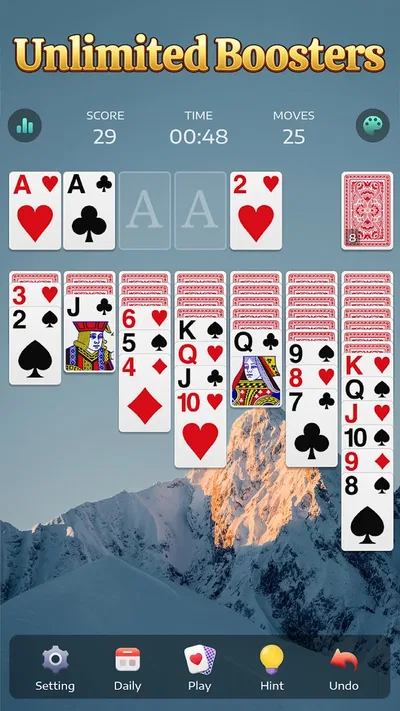
It is also easy to mistake a difficult deal for a problem with the app. A move that appears obvious may block a more useful sequence, while a run of cards that cannot be shifted can make a round feel stuck. I try to pause and inspect the tableau before tapping repeatedly. In solitaire, an extra move is not always progress; sometimes the better choice is to uncover a card or preserve an open space for a later sequence.
Touch control can create its own small confusion. When a card does not go where I expect, I check whether I selected the intended card and whether the destination is actually a valid place for it. A quick tap on the wrong stack can make the board look different without meaning the game has malfunctioned. Slowing down for a moment is often more useful than immediately restarting.
Start with the basics before changing anything
If the game does not open or behaves unusually, I begin with ordinary device checks rather than assuming the card game is at fault. I confirm that the phone meets the Android 6.0 minimum, close and reopen the app, and make sure the device itself is responding normally. If other apps are also sluggish, the issue may be broader than this one game.
I also check whether the installed app is current through the app store. The version listed for the game is 7.5.1-26092176, but the version available to an individual player can depend on what has been installed on that device. Updating through the store is a sensible first step when something seems inconsistent, while avoiding unofficial downloads keeps the process simple and safer.
For a game that launches but feels awkward to use, I check the basics of the playing environment: screen orientation, touch response, and whether a case or screen protector is interfering with taps near the edges. I do not assume every missed move is caused by the app. A slightly obstructed touch area can matter when cards sit close together, and a slow device can make an otherwise simple interaction feel delayed.
One useful habit is to avoid changing several things at once. I close the game, reopen it, and test a simple interaction before adjusting other device settings. That makes it easier to tell whether the problem was temporary or connected to a particular setting. It also prevents a familiar annoyance: changing a setting, forgetting what it was, and then being unsure whether the fix helped.
Recover a session without making the board more confusing
When I lose track of a round, I first stop tapping and read the board again. I look for cards that can be moved legally, then consider whether a move will reveal or free something useful rather than merely rearrange the tableau. This is a practical way to recover from a mistaken sequence without treating every awkward position as a dead end.
If the round has become too tangled to follow, starting over may be more satisfying than trying to reconstruct every move. That is not a failure; solitaire is meant to be a low-pressure puzzle, and a fresh deal can be the quickest route back to the relaxing part. I would reserve a restart for a genuinely confusing board, though, rather than using it whenever a move does not immediately work.
For a more deliberate session, I recommend making one move at a time and checking what it opens up. This helps distinguish a productive move from a tempting one that leaves fewer options. It also makes the game a better fit for short breaks: you can stop after a considered move instead of rushing through a sequence and losing track of why the board changed.
If taps seem to register inconsistently, I test the screen in another app before repeatedly selecting cards. A broader touch problem points toward the device rather than this game. If the issue happens only during a particular moment, I close and reopen the game, then try again with deliberate taps. These are modest checks, but they are more useful than guessing at an unverified setting or feature.
Know when the phone, not the cards, is the problem
A card game does not demand the same kind of attention as a fast action game, but it still depends on a responsive device. If the phone is nearly out of storage, running slowly, or having trouble registering touches elsewhere, those symptoms can affect the experience. I would address the general device issue first rather than repeatedly reinstalling a game that may be working normally.
Likewise, an interrupted session does not automatically mean the game has lost progress or broken. If the app closes unexpectedly, reopen it and see whether normal play resumes before making more changes. Avoid clearing app data or removing the app as a first response, since those actions can have consequences for local information. I prefer reversible steps—restart the app or the device—before considering anything more disruptive.
There is also a difference between a frustrating deal and a technical fault. If the board accepts legal moves and responds to taps, but you cannot find a productive path, the challenge may simply be the puzzle in front of you. A useful test is whether the same controls work normally in a fresh round. If they do, the earlier difficulty was more likely about the deal or a move sequence than a device problem.
How it compares with other ways to play solitaire
Compared with a physical deck, this app removes the need to shuffle, lay out cards, and tidy up afterward. That makes it convenient for a quick solo game, especially when I have only a small stretch of free time. A physical deck is still better if you enjoy handling cards or want to play at a table with someone else; this is a personal, screen-based alternative.
Compared with larger card-game collections, a focused solitaire title is easier to approach when you already know what you want to play. The trade-off is variety. If you regularly switch between different solitaire rules, seek opponents, or want structured challenges, a broader card app may be a better match. I would not install this expecting those extras simply because it belongs to the card-game category.
The free price makes it easy to try, but the game also offers in-app purchases ranging from $0.99 to $59.99 per item. I treat those as optional spending, not a requirement for deciding whether the core experience suits me. If you are installing it for a child or sharing a device, it is worth keeping purchase controls in mind; the Everyone age rating describes the content category, while it does not make optional purchases disappear.
Who will enjoy it—and who should choose something else
I would recommend this game to someone who already likes solitaire, wants an uncomplicated way to play alone, and values a familiar puzzle over constant novelty. It works particularly well for small gaps in the day: waiting for a takeaway, sitting through a quiet commute, or winding down before bed. The key is to approach it as a self-paced card game rather than something that needs to hold your attention for a long session.
It is less suitable if you dislike repeating a familiar style of play, need multiplayer interaction, or prefer games with a clear sequence of goals and progression. It may also disappoint anyone who expects a large assortment of card variants without checking what the app actually offers. For those players, a more varied card collection or a social game would be a better starting point.
In practical terms, I would install it, try a few rounds, and decide based on the feel of the card handling and the pace. If the board is readable and the controls suit your touch habits, the straightforward format is a strength. If you keep wishing for opponents, more kinds of games, or a different structure, that is a sign to choose another card app rather than force this one to serve a different purpose.
A practical verdict for a quiet break
Solitaire - Classic Card Games is best understood as an accessible solo card game, not an all-purpose gaming hub. Guru Puzzle Game has made a familiar format easy to pick up, and the large audience is consistent with its broad appeal. My recommendation is simple: try it if you want a low-pressure way to play solitaire on Android, but look elsewhere if variety and social play matter more than a dependable single-player routine.
For everyday use, I would keep troubleshooting equally simple: check the Android requirement, update through the app store, restart the app, and test whether the phone responds properly elsewhere. During play, inspect the board before tapping and restart a round only when recovering it stops being enjoyable. The best reason to keep this game is that it makes a familiar card puzzle convenient without demanding a commitment.